
TurbotaAI
AI SaaS product · Customer app + operations console
A product a customer can open, try, subscribe to and keep using on their own — and that someone inside the business can actually run: see activation and subscriptions, check system health, look up one account for support, and have every privileged action written to an audit log.
Context
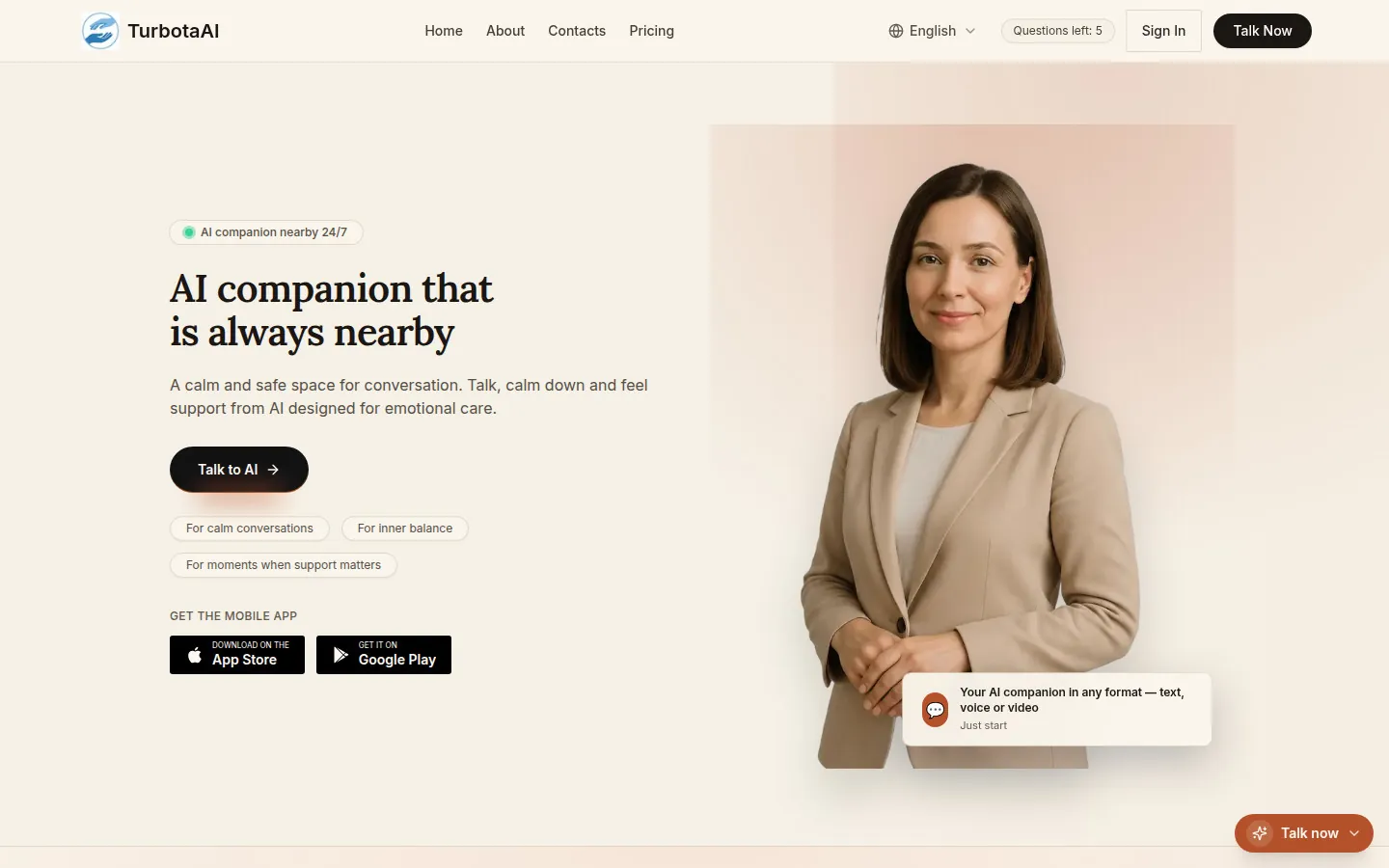
An AI companion product built in public. People talk to an AI by text, voice or video in their own language, behind an account with a trial, a subscription and their own consent and data controls — and the business runs it from an operations console.
The business problem
An AI demo is not a business. Most AI projects stop at the chat window: the account, the trial limit, the payment, the consent record, the error states and the people who actually operate the thing are all left as "later". That is exactly where a product either becomes sellable or stalls.
The solution
A product a customer can open, try, subscribe to and keep using on their own — and that someone inside the business can actually run: see activation and subscriptions, check system health, look up one account for support, and have every privileged action written to an audit log.
How it works
- 1Visitor
- 2Try the AI (limited trial questions)
- 3Register and onboard
- 4Choose permissions and start a conversation
- 5Hit the trial limit → paywall
- 6Subscribe or redeem a promo code
- 7Manage access, consent and data in the profile
What was delivered
- A multi-modal AI conversation — text, voice and video
- Accounts with sign-in, registration and a guided onboarding
- Trial access with a request allowance, then unlimited access on subscription
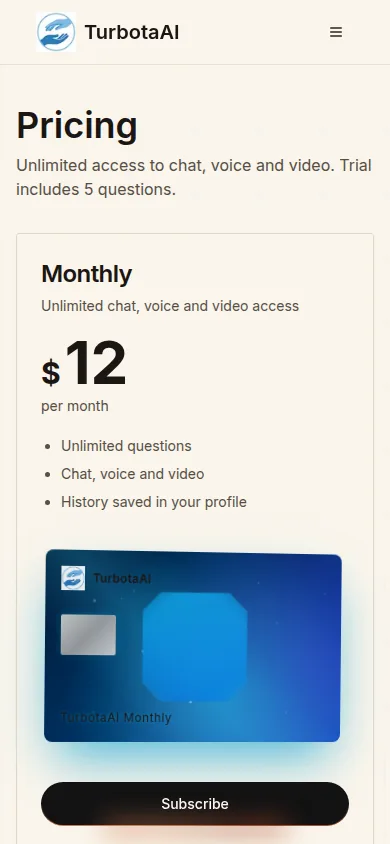
- A monthly subscription with a paywall, promo-code redemption and self-serve access management
- Per-capability permission toggles, so a customer chooses what the product may use
- Consent history and a data & account area covering AI processing, memory, notifications and deletion
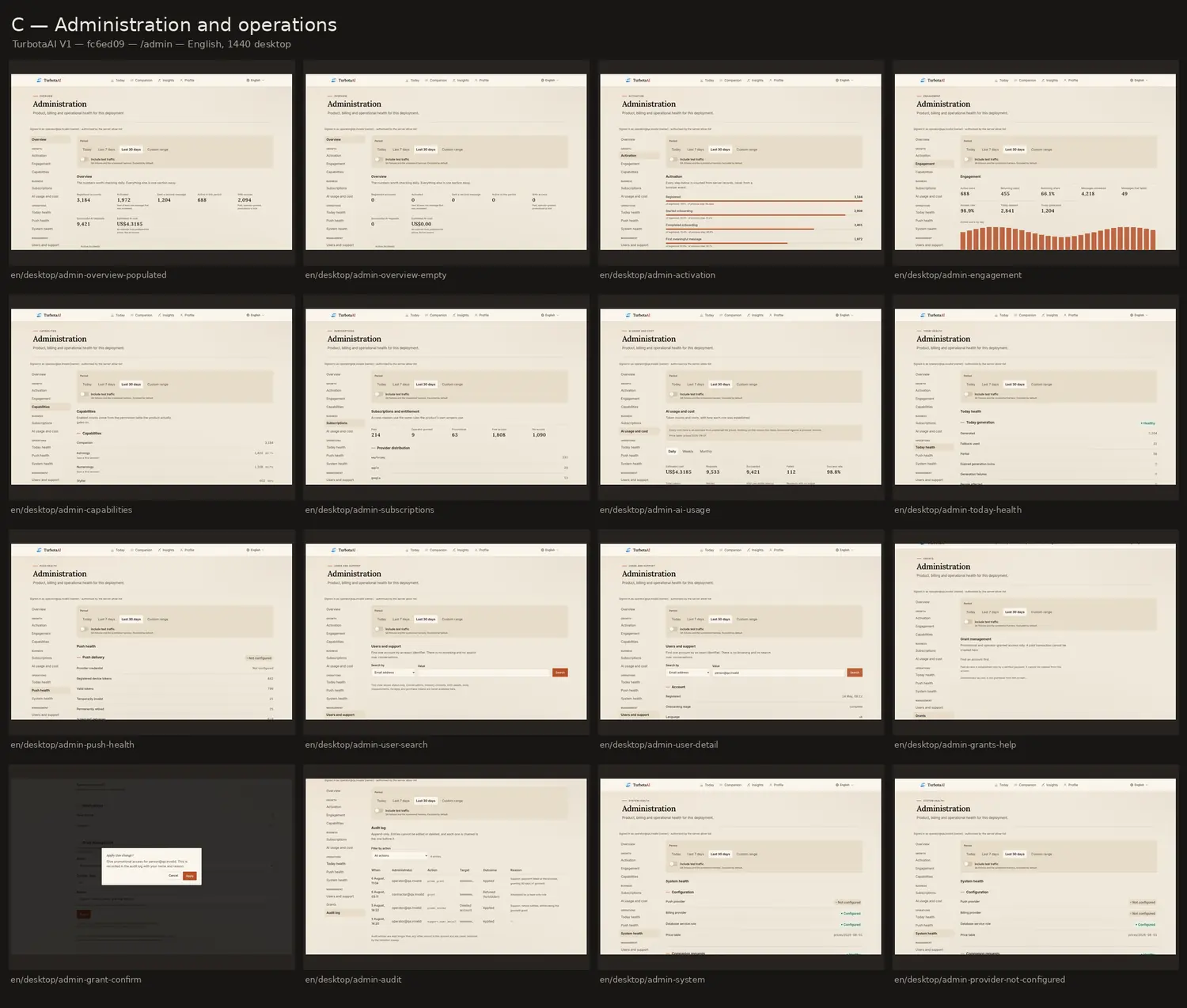
- An operations console: activation, engagement, capabilities, subscriptions, AI usage and cost, today/push/system health, single-account support lookup, access grants and an audit log
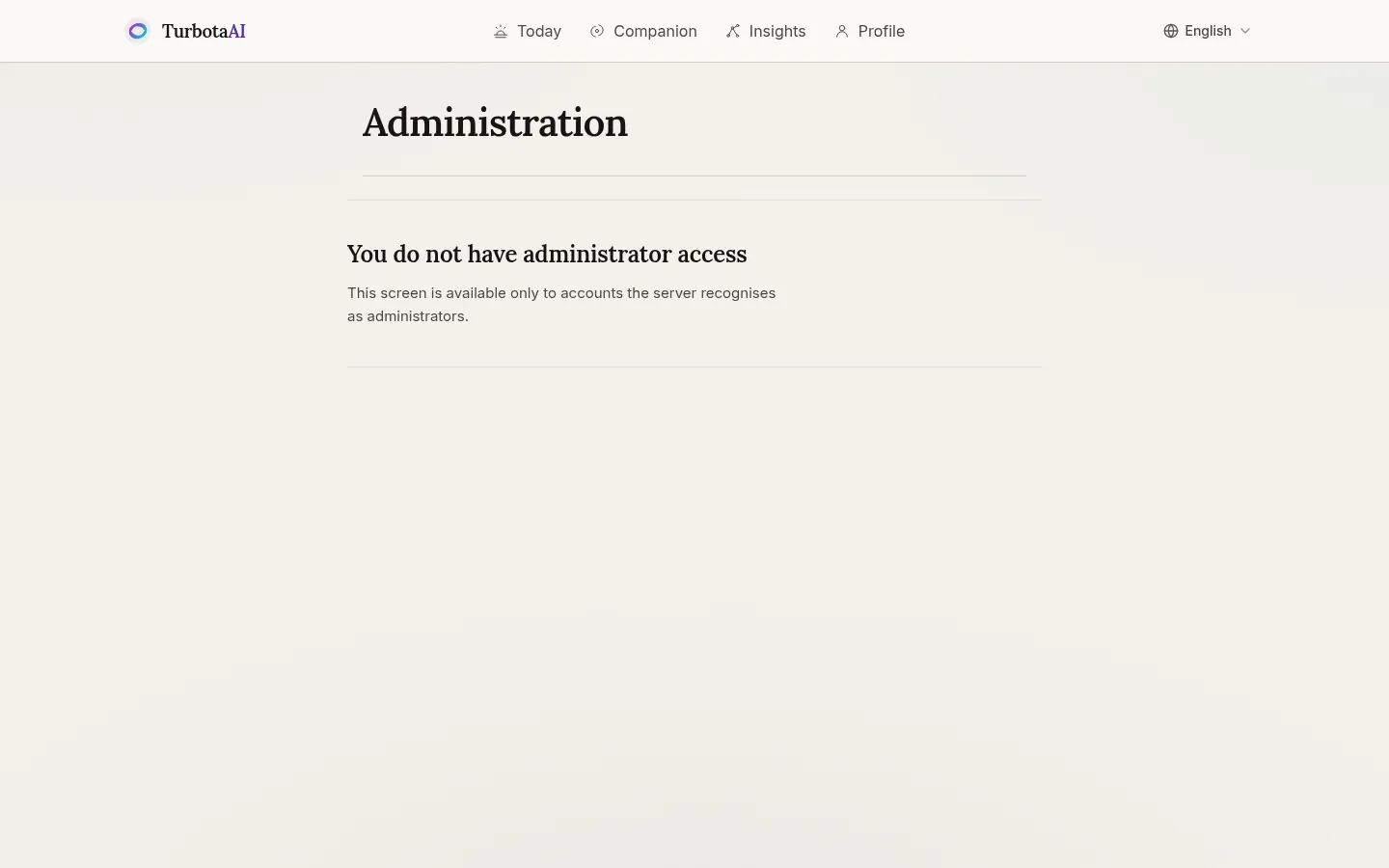
- Role-based access control on the admin area, enforced server-side
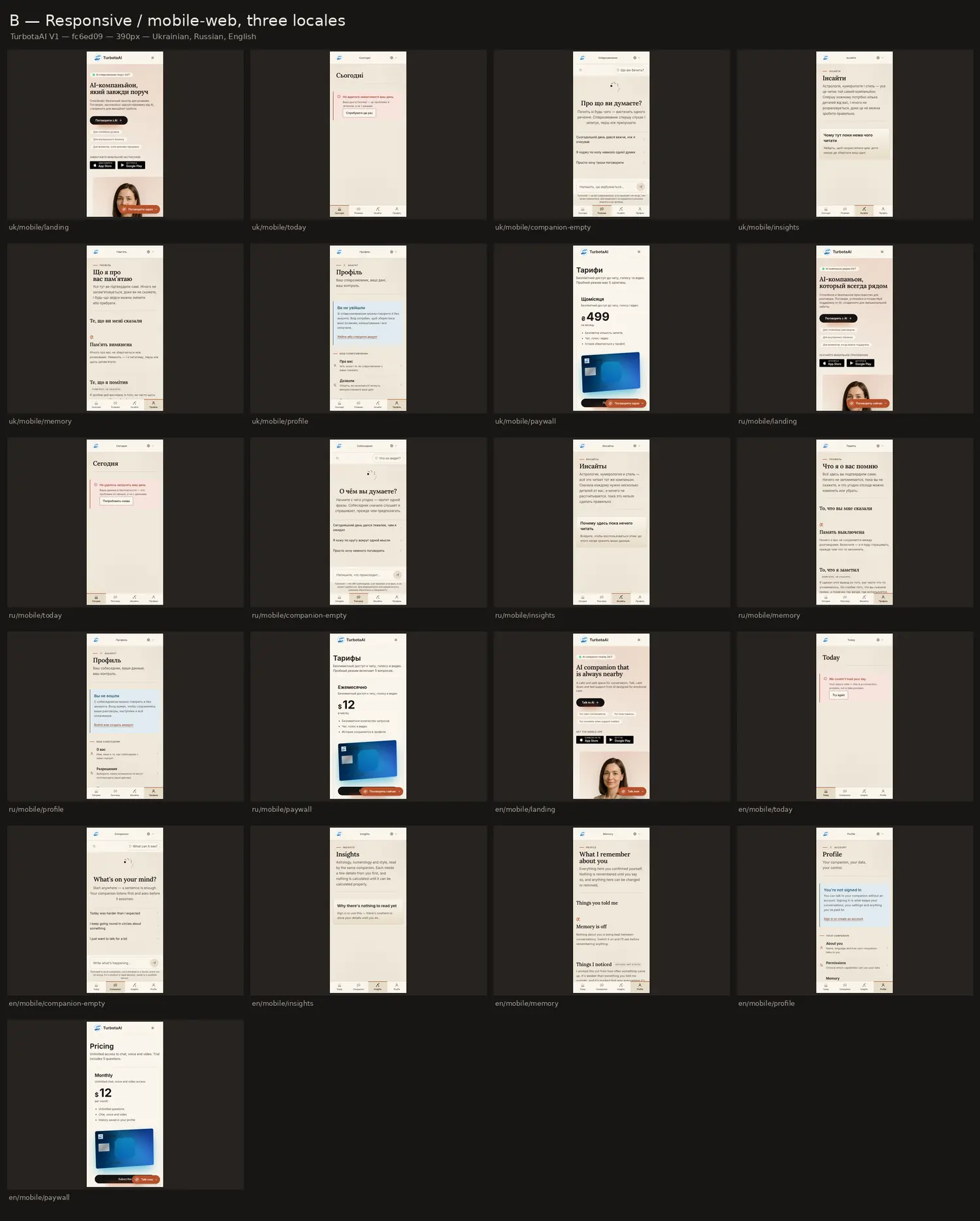
- Three locales — Ukrainian, Russian and English — with locale-aware pricing
- Designed at 1440 desktop and 390 mobile across every route
- Deliberate loading, empty, partial, locked, offline and error states
Key capabilities
Visual walkthrough
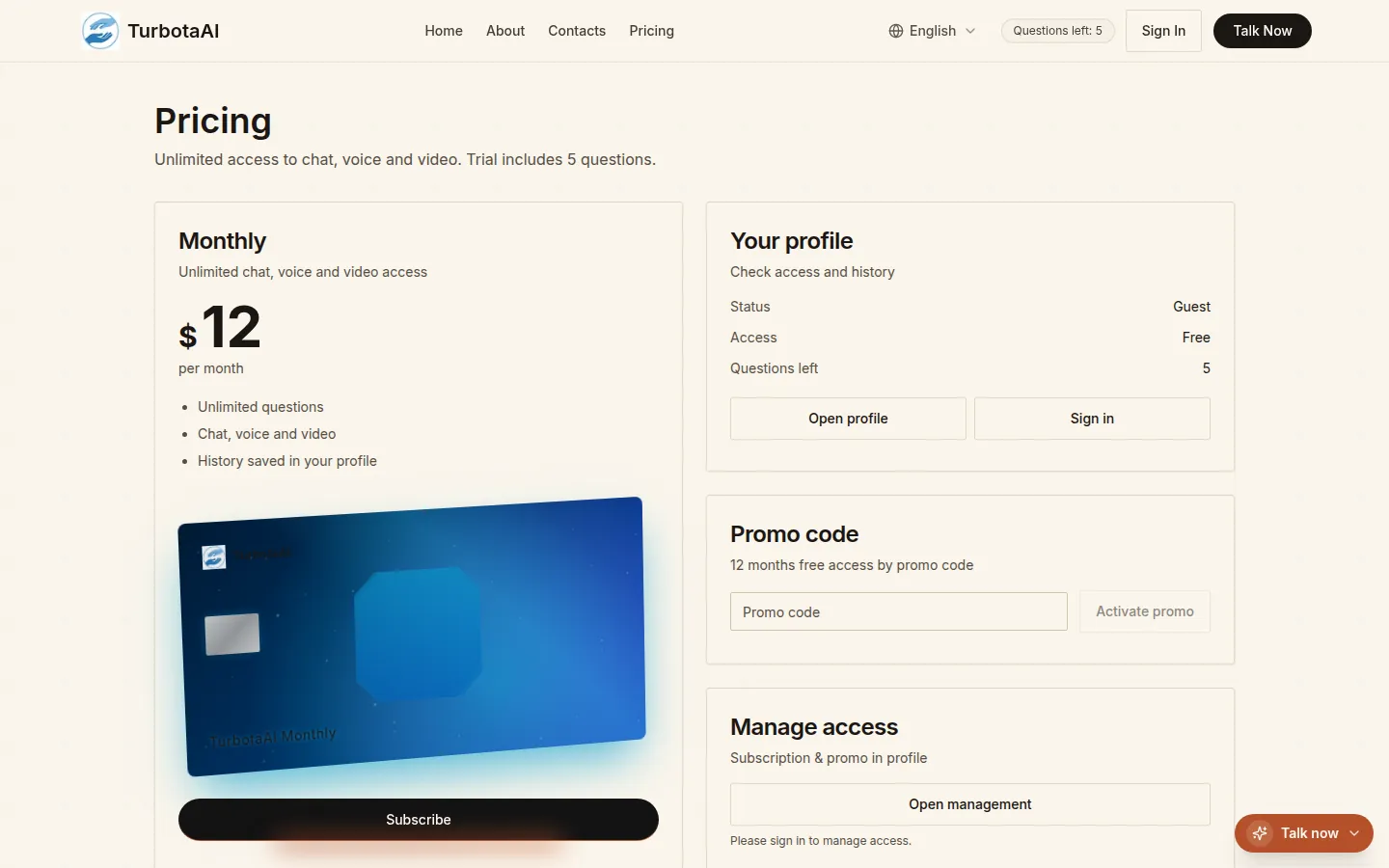
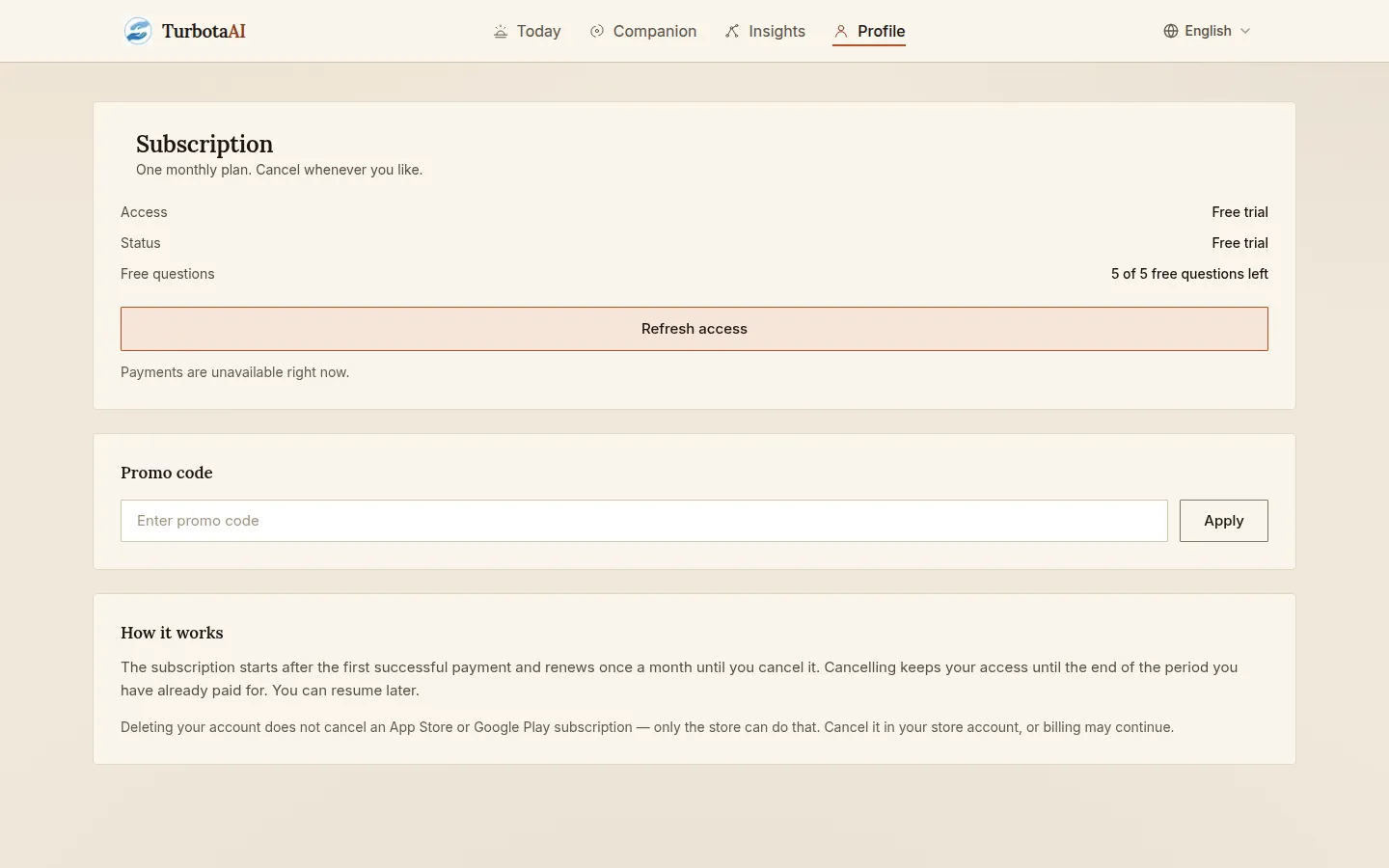
Screens from the real product.

Technical implementation
What exists today
- The screens below are the real product at a specific build (V1, commit fc6ed09) — captured by the project's own screenshot harness, not mocked up
- Route coverage was captured systematically: every route at 1440 desktop and 390 mobile, in three locales
- The admin area, audit log, consent history and error states are implemented, not planned
- In active development: the subscription screen currently reports that payments are unavailable, and the store badges on the landing page are links, not evidence of a published app
A complete AI SaaS is standing: the customer journey from first trial question to paid subscription and self-managed data, and the operator side that runs it — activation, subscriptions, AI cost, system health, support lookup and an append-only audit trail. Development continues against a working product, not a specification.
More work
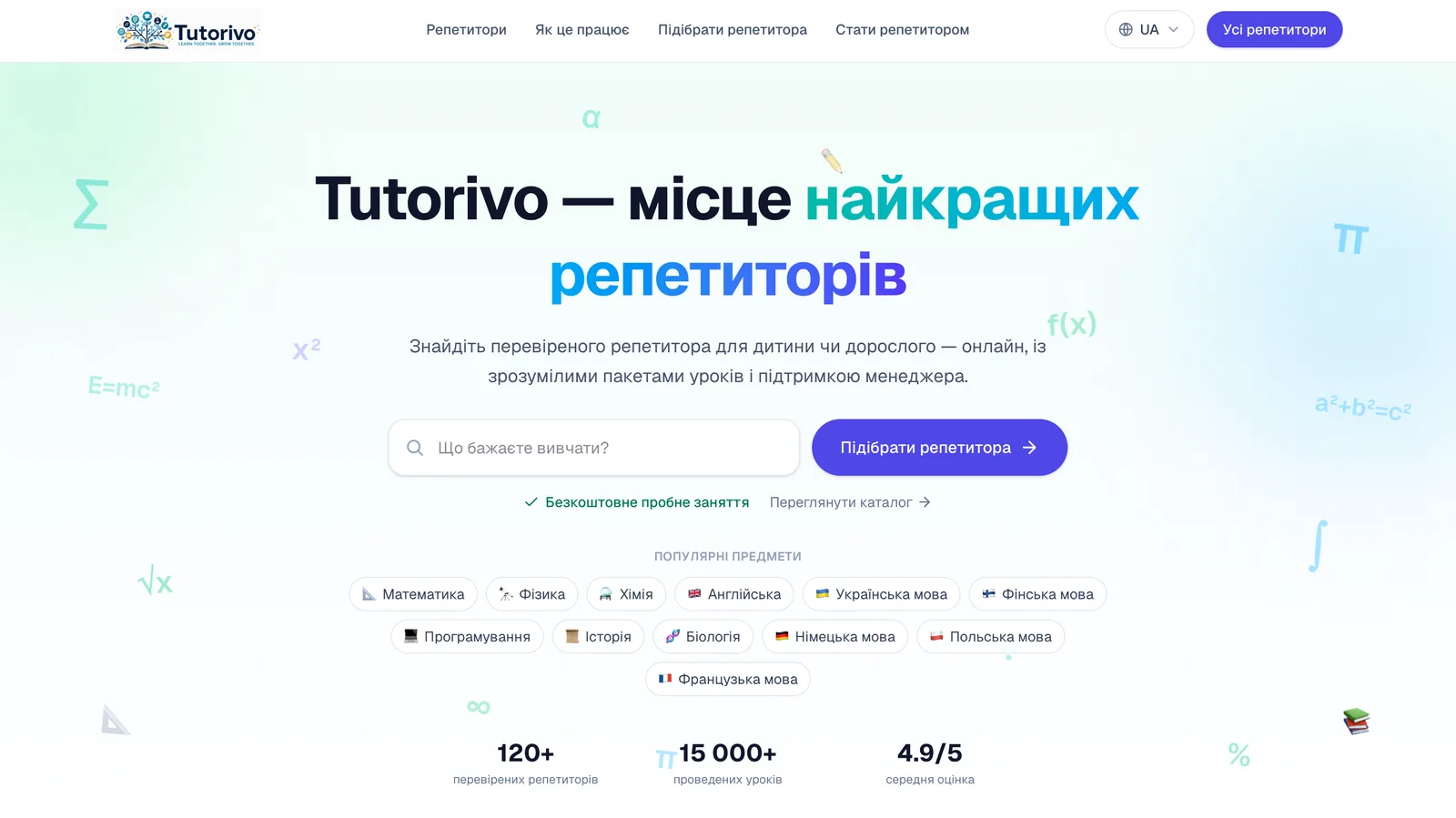
Tutorivo
Two-sided marketplace · Education
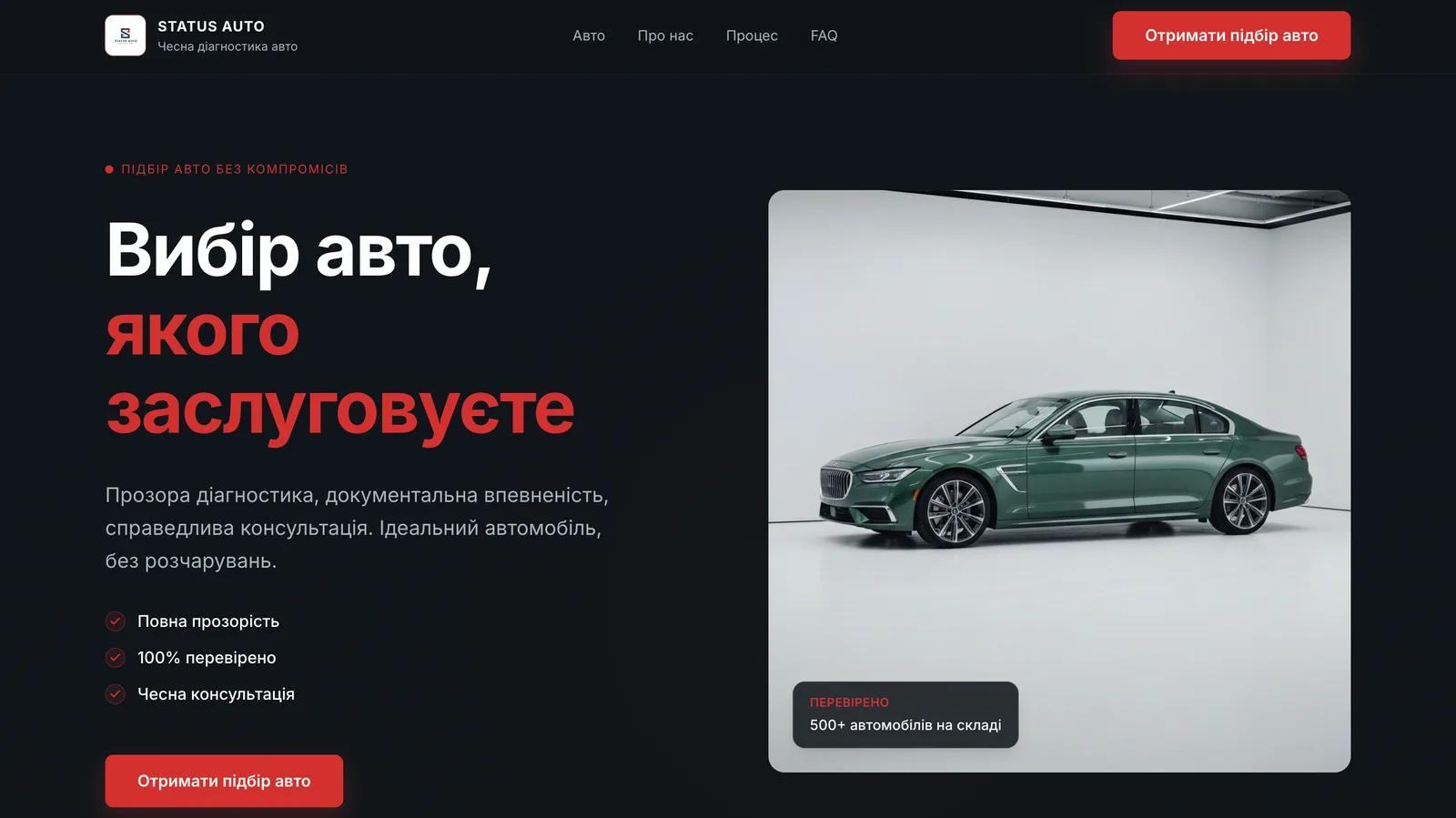
Status Auto
Vehicle catalog & buyer-request platform

SerCrypto Academy
Conversion landing · Web platform
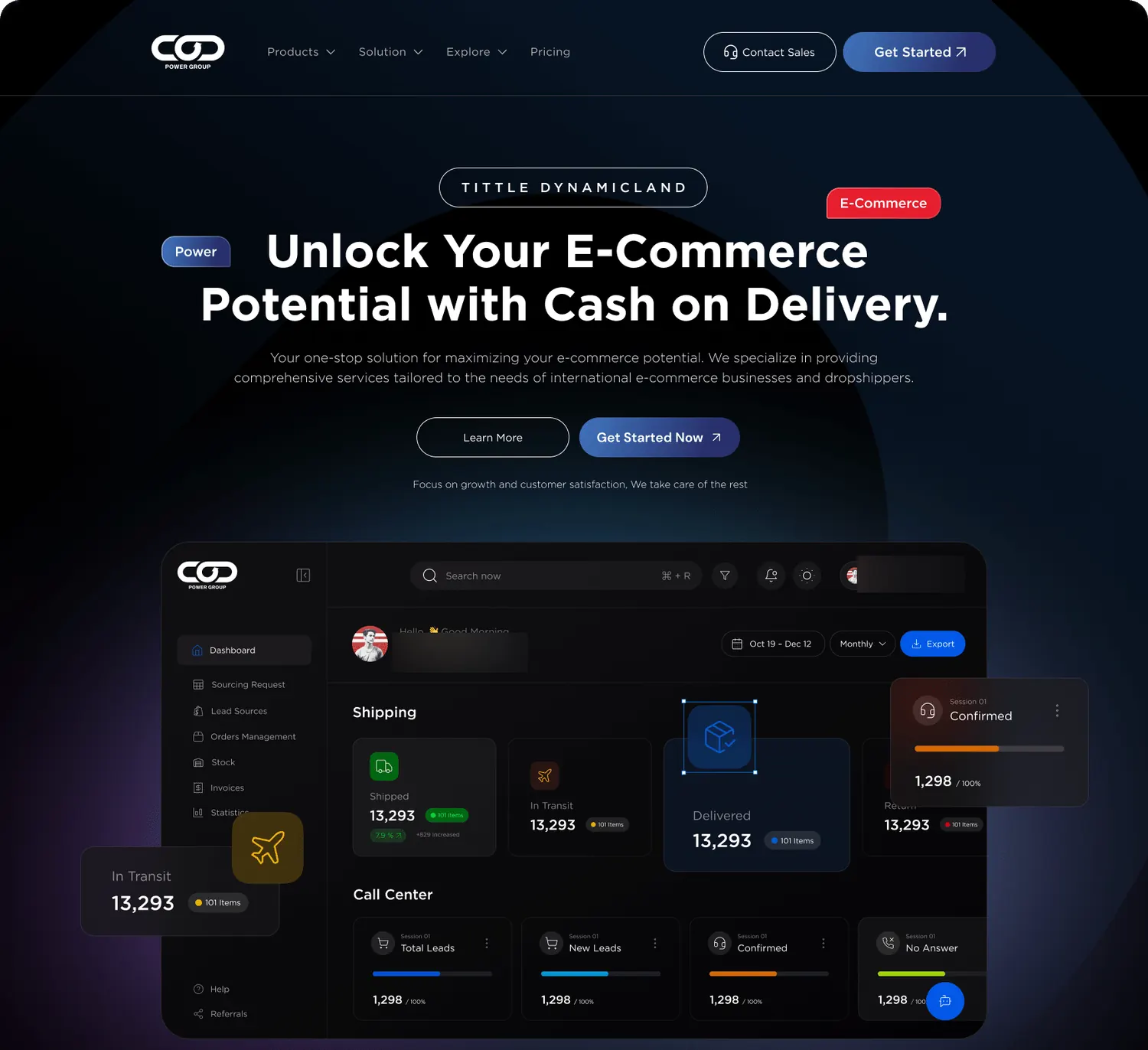
COD Power Group
Ecommerce operations platform · Cash on delivery
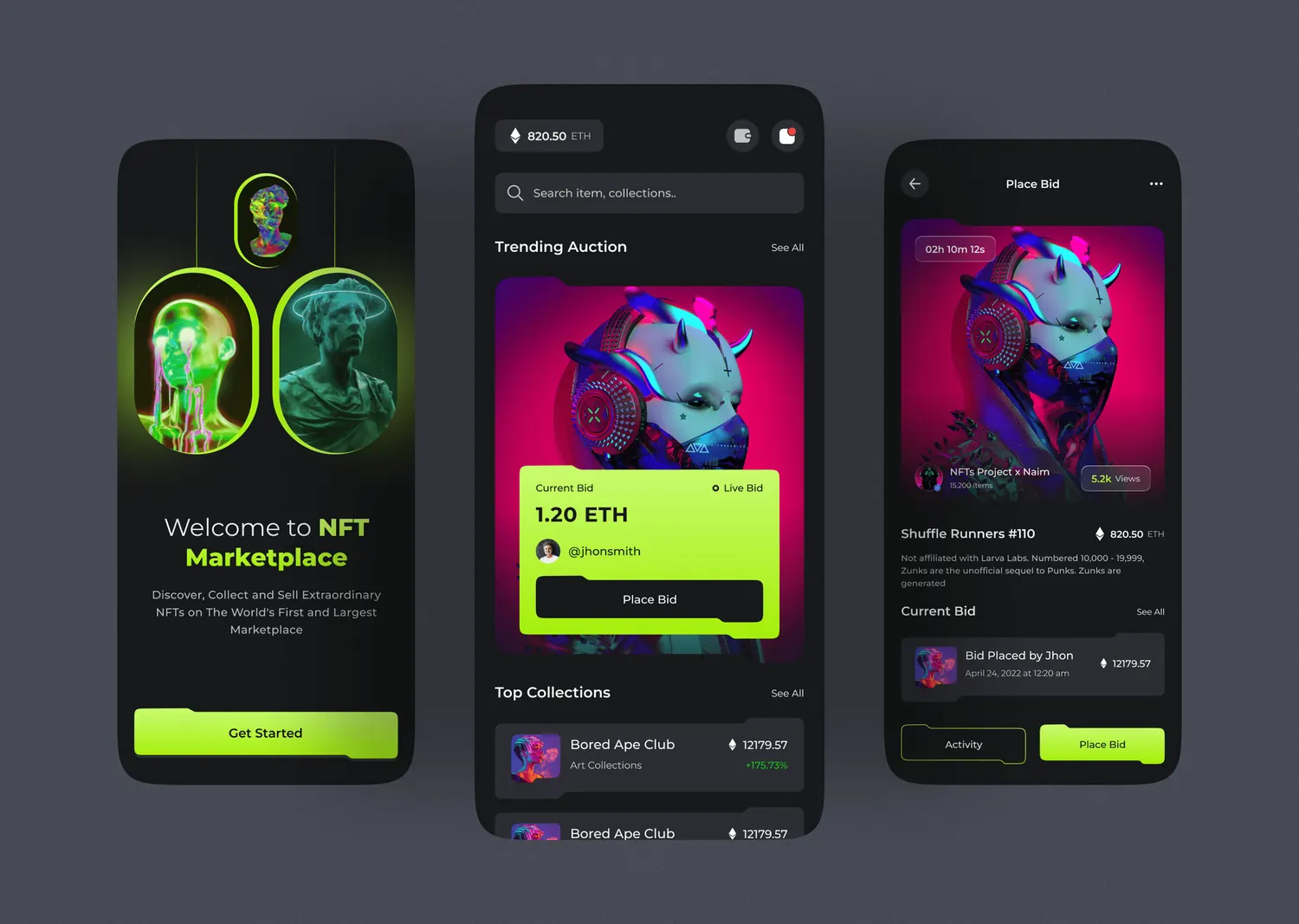
NFT Marketplace App
Mobile product concept · Marketplace & live bidding

Telegram Mini App — Mining
Telegram Mini App concept · Rewards & referrals

UN AMOUR
Fashion ecommerce · Ukrainian womenswear brand